
FuboTV, "Mini Player" Always on & visible
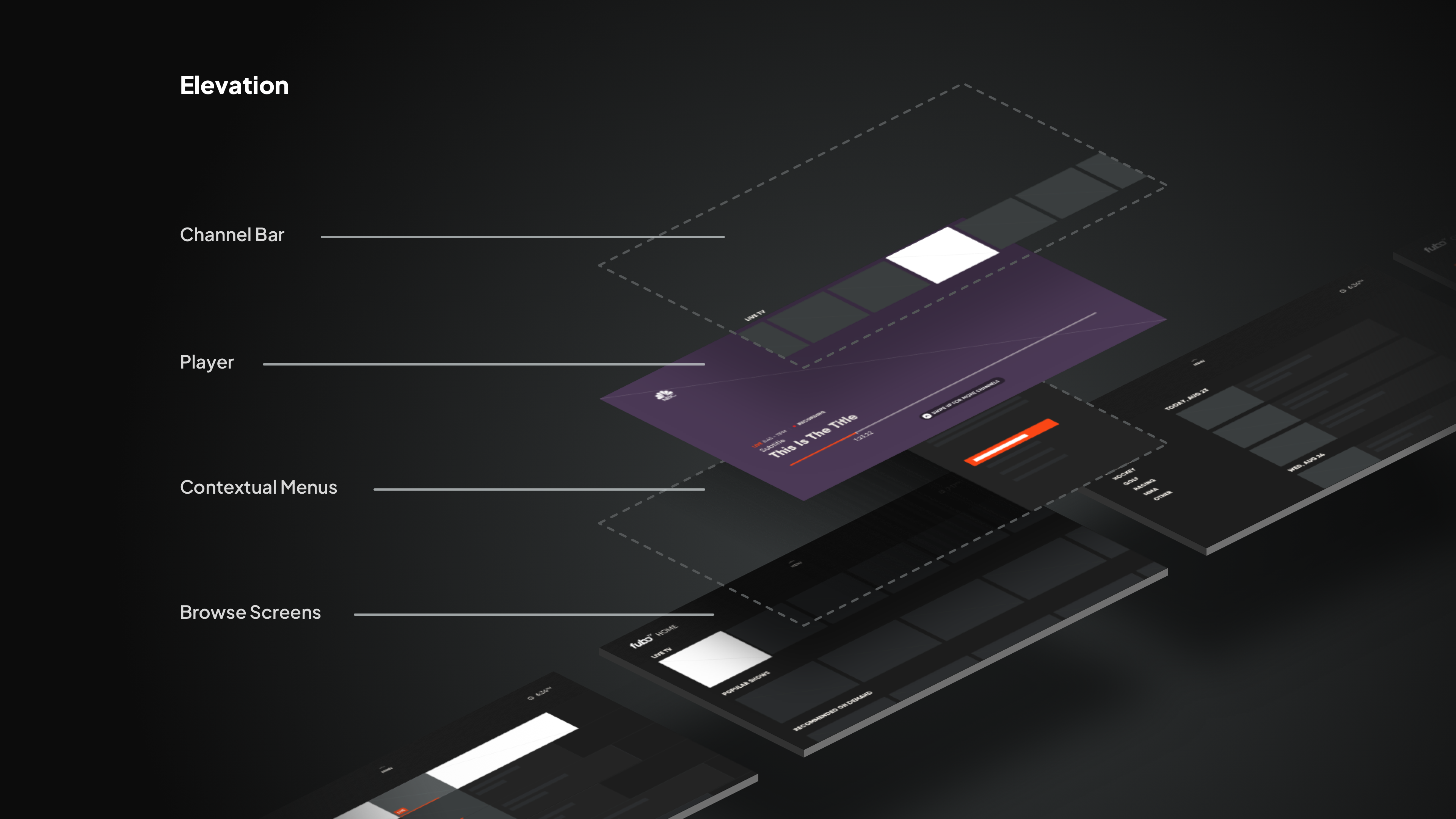
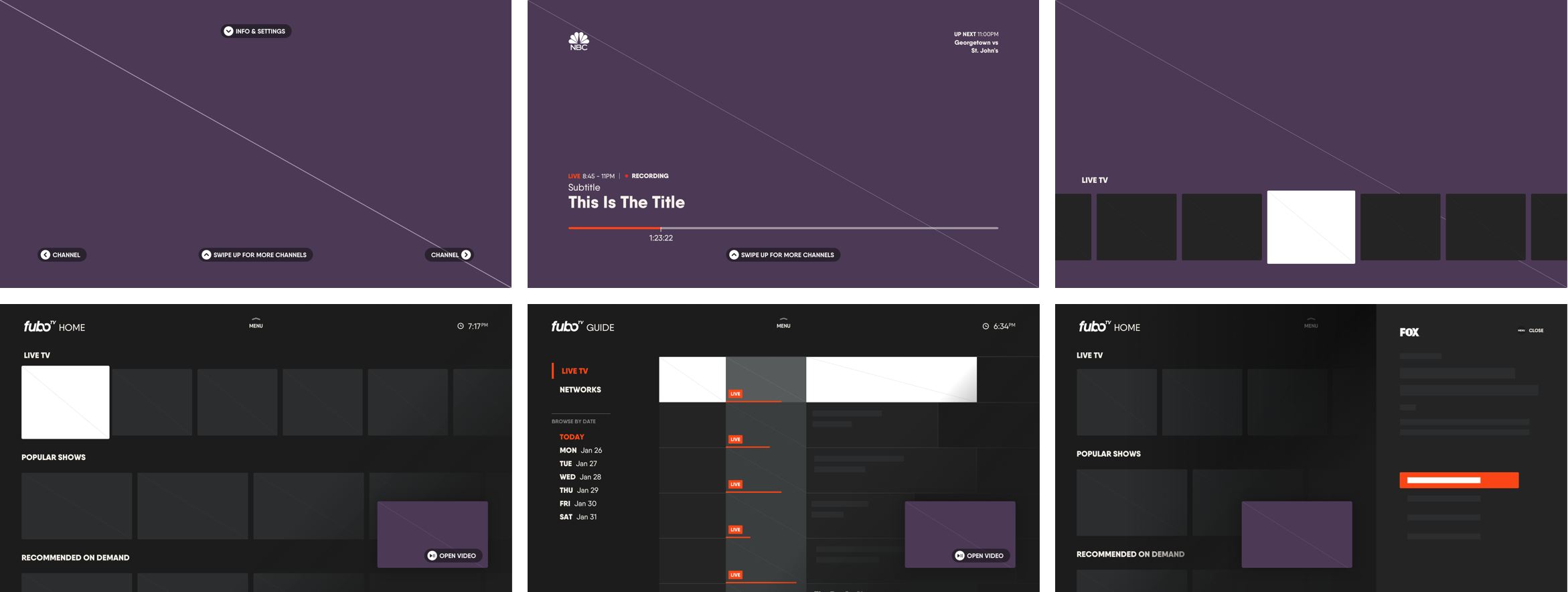
Like most VOD apps, like Netflix or HBO Max our product experience on TV devices siloed the content discovery and video viewing experience. The desire was to persist live television while users browsed our content catelog. It was our belief that the "Mini Player" was a solution that was more effective and familiar to cable cutters.
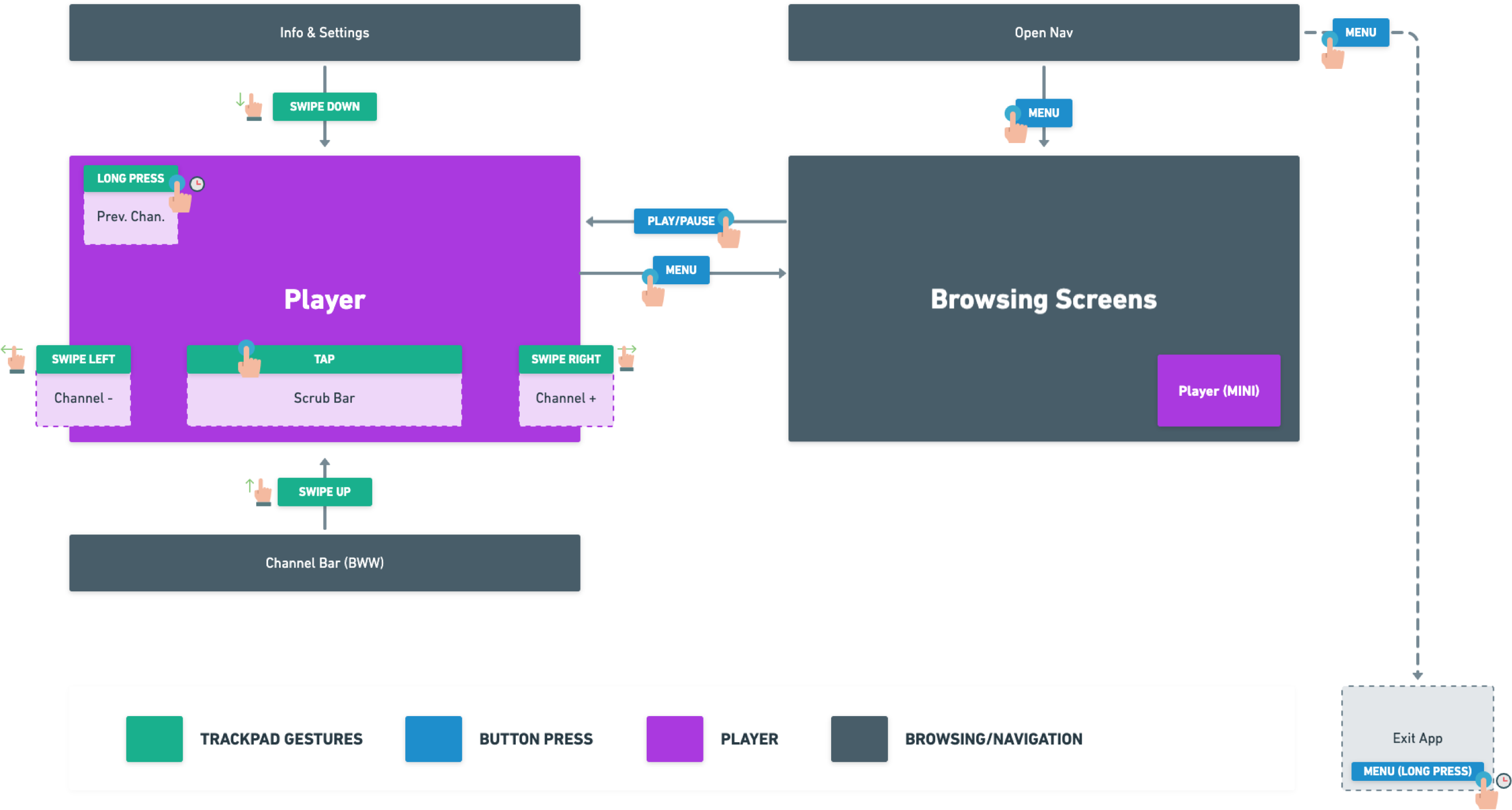
My roles: Concept, wireframes, gesture mapping, request user testing
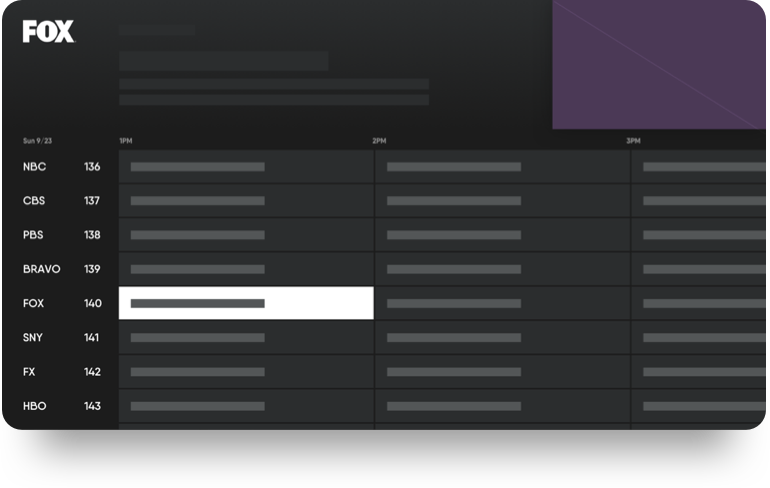
Classic cable layout
While users browse the guide, the current channel plays in the top corner. Cord-cutters are naturally familiar with this. While the video appears small, it’s an unobstructed view of what they were currently watching.
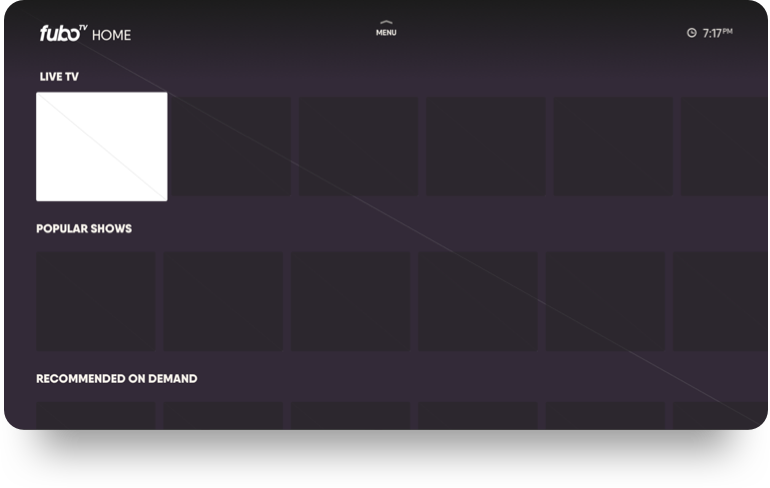
Most TV apps
In an attempt to innovate from cable, a trend was set early on in which the current channel plays in the background while the user browses content.
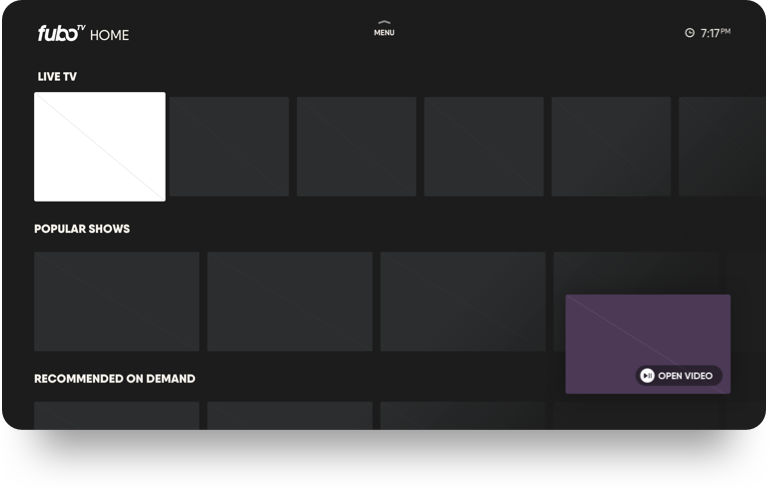
Our take
Many of us found that having video in the background can be more distracting than helpful. We wanted to bring back an unobstructive view by introducing a less popular mini player, similar to web and mobile.

User Study
We recruited participants who have recently left cable. They were shown a working prototype that featured video in background and one with a mini-player.
Results
Participants overwhelmingly preferred the mini-player, citing that they liked seeing the video in full (even though it was smaller) and that this was very similar to their cable experience.
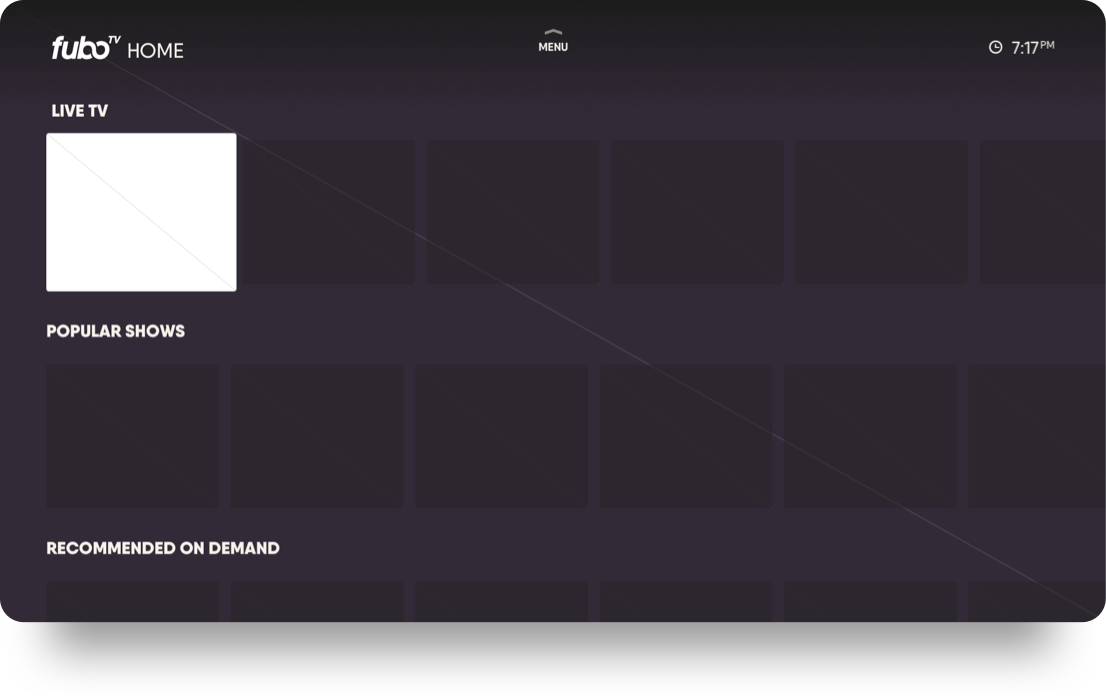
15% of users preferred video in background
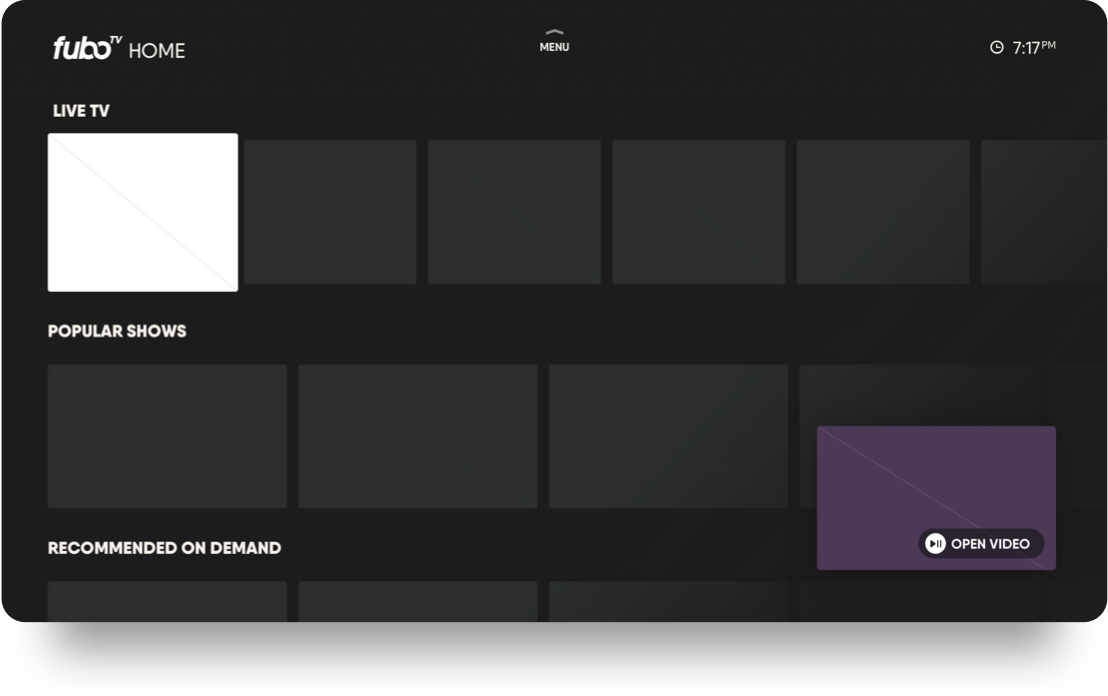
85% of users preferred mini-player